How to Choose Amazon KDP Keywords and Categories
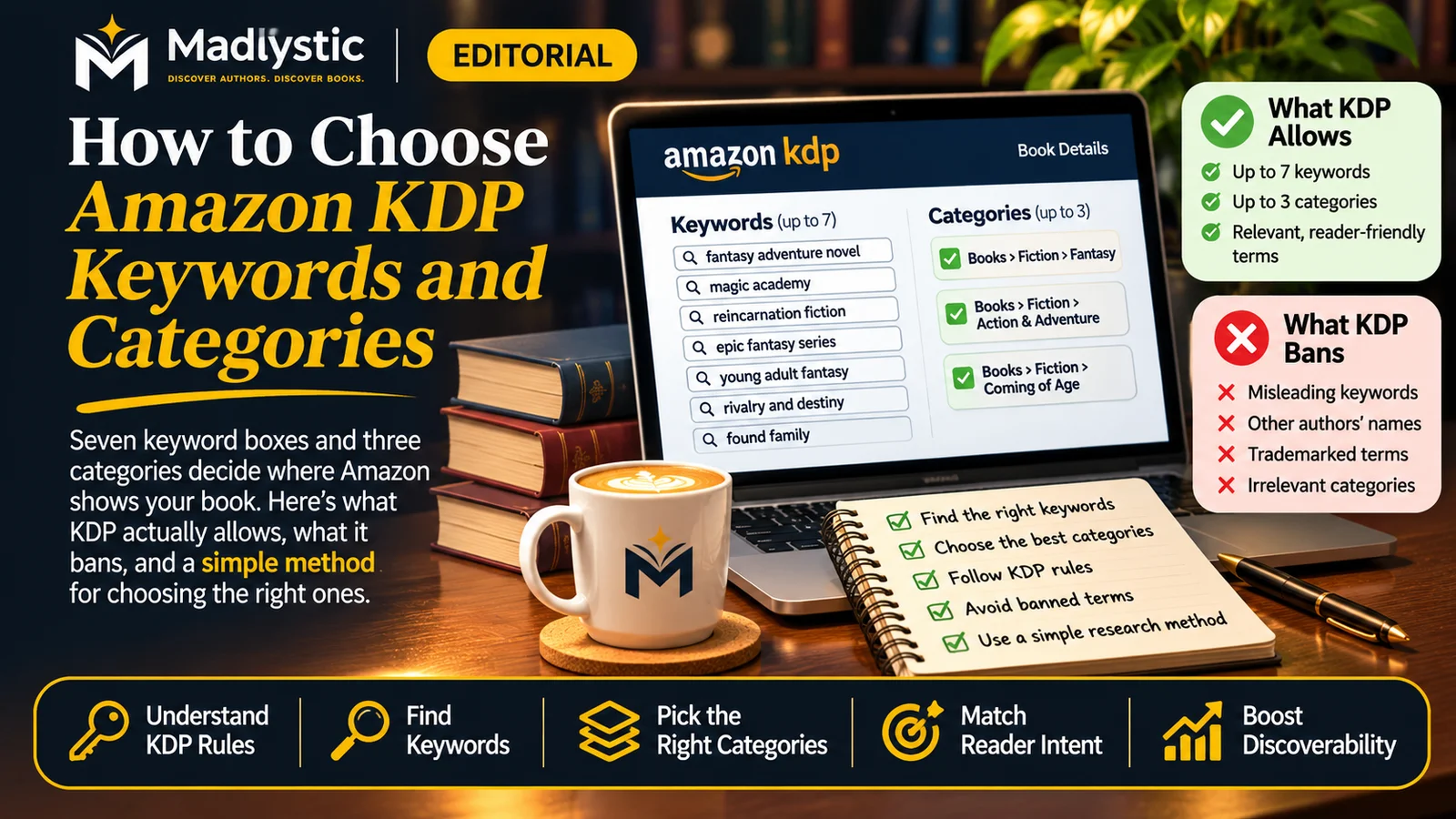
Seven keyword boxes and three categories decide where Amazon shows your book. Here’s what KDP actually allows, what it bans, and a simple method for choosing keywords and categories that put your book in front of the right readers.
Published November 20, 2026
9 min read
Quote of the Day
“Use keywords for useful details that don’t fit in the title or description.” — a plain summary of KDP’s own advice on keywords
A great book with the wrong keywords is a great book nobody finds. Amazon is a search engine before it’s a store: most readers type what they want and pick from the results. Your keywords and categories decide whether your book shows up in those results at all, and they take about ten minutes to fill in. Here’s how to get them right.
KDP’s rules can change. This guide reflects KDP’s help pages as of November 2026, so check the current guidance in your KDP dashboard before publishing.
What you actually get
When you publish on KDP, each format of your book (ebook, paperback, hardcover) gets:
Seven keyword boxes, each holding up to 50 characters, including spaces.
Up to three categories, chosen from Amazon’s own category list.
Each format is set up separately. Amazon doesn’t copy your keywords or categories from your ebook to your paperback, so fill in both.
How keywords work
Keywords are hidden search terms that help Amazon match your book to what readers type. Readers never see them, but Amazon’s search does. The goal isn’t to stuff in every popular word. It’s to describe your book the way a reader who would love it actually searches.
KDP’s own guidance suggests describing things like:
Setting, such as “Colonial America.”
Character types, such as “single dad” or “veteran.”
Character roles, such as “strong female lead.”
Plot themes, such as “coming of age” or “forgiveness.”
Story tone, such as “dystopian” or “feel-good.”
Put words in the order readers type them. KDP’s example is “military science fiction,” not “fiction science military.”
What KDP doesn’t allow
KDP’s help page lists keywords to avoid. The most important:
Words already in your title, author name, or categories. They’re already searchable, so repeating them wastes space.
Quality claims, such as “best novel ever.”
Time-sensitive words, such as “new,” “on sale,” or “available now.”
Words common to every book, such as “book.”
Other authors’ names, or anything misleading. KDP says it has zero tolerance for metadata meant to mislead.
Brands you don’t own.
Amazon program names, such as “KDP Select.”
Spelling variants that differ only by spacing, punctuation, capitals, or plurals.
Quotation marks and HTML tags.
Breaking these rules can get your listing changed or your keywords removed, so it’s not worth the risk.
A simple method for finding keywords
1. Start with how a reader would describe your book
Imagine a reader recommending your book to a friend. Write down the phrases they’d use: the genre, the tropes, the setting, the mood. That list is your raw material.
2. Check Amazon’s search suggestions
Type your phrases into Amazon’s search bar and watch the dropdown suggestions. Those suggestions come from what real shoppers type, which makes them a free and reliable signal of real demand. KDP itself recommends this step.
3. Look at books like yours
Search your phrases and study the top results. If the books that appear are genuinely similar to yours, the phrase fits. If they’re a completely different kind of book, readers using that phrase probably aren’t looking for you.
4. Fill each box with a specific phrase
Use each 50-character box for a focused phrase rather than a random list of words, such as “enemies to lovers fantasy romance” or “cozy mystery small town bakery.” Specific phrases tend to bring in readers who are more likely to buy.
5. Review and adjust
Keywords aren’t permanent. KDP lets you change them whenever you like, so revisit them after a few weeks if your book isn’t being found.
How to choose categories
Categories are the virtual shelves where readers browse, and they also decide which bestseller lists your book can appear on. A few principles help:
Be specific. A narrow category like a specific fantasy subgenre is easier to stand out in than a broad “Fantasy” shelf with hundreds of thousands of books.
Be accurate. Amazon can move a book it believes is in the wrong category, and readers who find your book on the wrong shelf rarely buy it.
Choose per format. Category lists differ between ebooks and print, so a shelf available for your ebook may not exist for your paperback.
Mind the reading age. Children’s and teen categories require a reading age, and books marked as containing sexually explicit content can’t be placed there.
Since 2023, each format is limited to three categories, and the old option of asking KDP support for extra categories is gone. That makes each of your three choices count. Category changes can take up to 72 hours to appear on the store.
Keywords, title, and description work together
Keywords are only one part of how Amazon understands your book. Your title, subtitle, and description are searchable too. Some authors use a subtitle to add an honest, descriptive phrase, such as “A Small-Town Cozy Mystery,” which helps both readers and search. For more on the description, see our guide to writing a book description that sells.
Keep everything consistent: the same genre and tropes in your keywords, description, and categories send Amazon a clearer signal than three different stories about what your book is. The same consistency helps beyond Amazon, as we explain in how readers are finding books through ChatGPT.
Where this fits in your launch
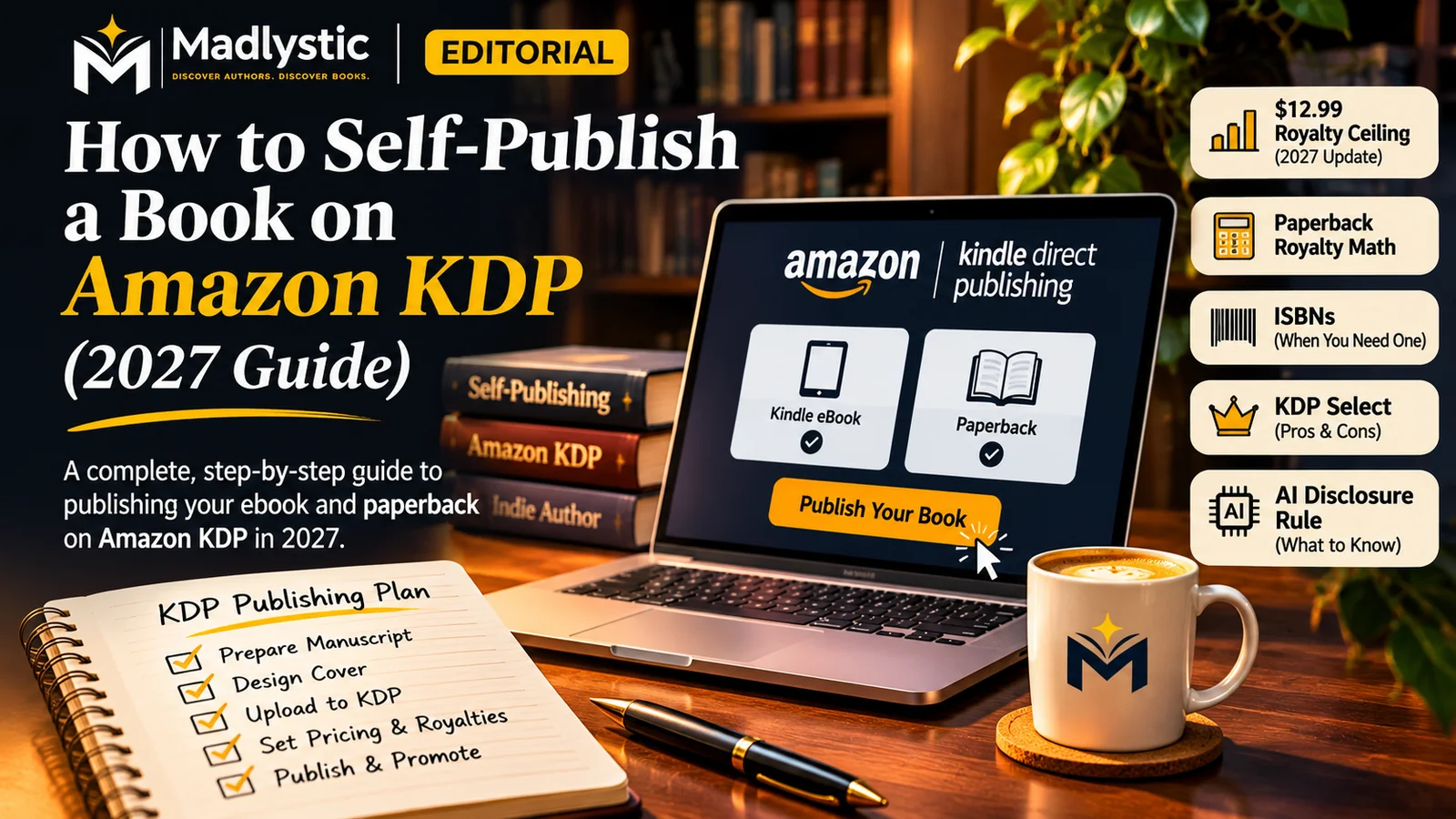
Keywords and categories get your book in front of readers. What happens next depends on your cover, description, price, and reviews. If you’re still setting up your book, start with our step-by-step KDP publishing guide, and once you launch, read our guide to getting honest Amazon reviews.
Want readers to discover your book outside Amazon too? Create your free author page on Madlystic, where readers can browse by genre and follow your next release.
Conclusion
Seven keyword boxes and three categories don’t look like much, but together they decide which shelves your book sits on and which searches it appears in. Describe your book the way an excited reader would, check what real shoppers type, follow KDP’s rules, and choose specific, accurate categories. Then revisit them as you learn. It’s ten minutes of work that keeps paying off for as long as your book is on sale.
Frequently Asked Questions
How many keywords can I add on KDP?
Seven keyword boxes per format, each with up to 50 characters including spaces.
How many categories can I choose on KDP?
Up to three per format. Since 2023, KDP no longer adds extra categories on request.
Should I repeat words from my title in my keywords?
KDP advises against it, since your title and author name are already searchable. Use the space for details that don’t fit elsewhere, such as setting, tropes, or tone.
Can I use another author’s name as a keyword?
No. KDP treats other authors’ names as misleading metadata, which it doesn’t allow.
Can I change my keywords and categories after publishing?
Yes. You can change keywords whenever you like, and category changes can take up to 72 hours to appear on the store.
Source: KDP Help — Make Your Book More Discoverable with Keywords
Share this article
Share this article with readers who'll want to read it.